
PerkAbility Rewards · Free online tools · 2026 guide
Free Online Tools for Everyday Tasks: 3 Practical Digital Workflows
What if a handful of focused browser tools could simplify an entire working session? See how to combine online utilities for writing, website publishing, data checks, and everyday digital tasks.
PerkAbility Rewards is a website offering browser-based digital utilities and practical guides. Rather than sending readers through unrelated software lists, this article takes a workflow-first approach: start with a real project, use the right utility at each stage, and verify your results before finishing.
Why Use Free Browser-Based Tools for Everyday Work?
Digital work is rarely just one task. A website update may require writing a draft, checking its length, preparing a safe link, and reviewing code snippets. A developer may need to inspect a JSON response, decode sample data, and check a network address. For small jobs, installing an entire software suite may be unnecessary.
Free online tools can make specific tasks more accessible, especially when you want quick feedback. The important distinction is that a convenient tool is not automatically the right tool. Features, limits, registration requirements, and data-handling practices vary. Use browser utilities deliberately and reserve sensitive information for trusted environments.
This guide focuses on three practical workflows that illustrate how the utilities available through PerkAbility Rewards can fit into everyday work. It is not a promise that one website will automate an entire project for you.
Workflow 1: Prepare a Blog Article or Social Media Campaign
Imagine you are preparing a technology article and a short social post. You need clear copy, consistent capitalization, an appropriate word count, and a correctly formatted destination link. A few small tools can help with that process.
01Draft your content, then count it
Write the actual article in your preferred editor. Next, use the Word & Character Counter to inspect its length. Word counts are useful for meeting editorial briefs; character counts help when preparing concise snippets, headlines, or social captions.
Counting words is only a measurement, not a ranking formula. A longer article does not automatically perform better in search results. Prioritize accuracy, relevance, readable structure, and direct answers to the reader's questions.
02Standardize headings and labels
If a draft has inconsistent capitalization, the Text Case Converter can help transform sample text into different case styles. Review the result before publishing because brand names, acronyms, proper nouns, and sentence structure still need human attention.
03Prepare a link for your campaign
When creating URLs containing search terms or tracking parameters, the URL Encoder & Decoder can help inspect encoded characters. For example, spaces in a query-parameter value may need percent-encoding. Encode parameter values appropriately; blindly encoding a complete URL can break it.
Before sharing, open the destination and verify that it leads to the intended article. If a link is promotional or affiliate-related, label it clearly so users understand what they are opening.
Workflow 2: Troubleshoot a Website or API Integration
Developers and website owners often need to inspect information moving between systems. A JSON payload may be malformed, a URL parameter may be incorrectly encoded, or a Base64 string may need decoding for troubleshooting. The tools below provide a practical starting point.
01Format and validate JSON
Start with the JSON Formatter to inspect a non-sensitive JSON example. Look for missing quotation marks, trailing commas, incorrect nesting, or other syntax problems.
If validation fails, follow the illustrated article How to Fix JSON Errors: 12 Common Issues. It explains common parser failures and why making text easier to read is not always the same as repairing invalid data.
02Check encoded sample data
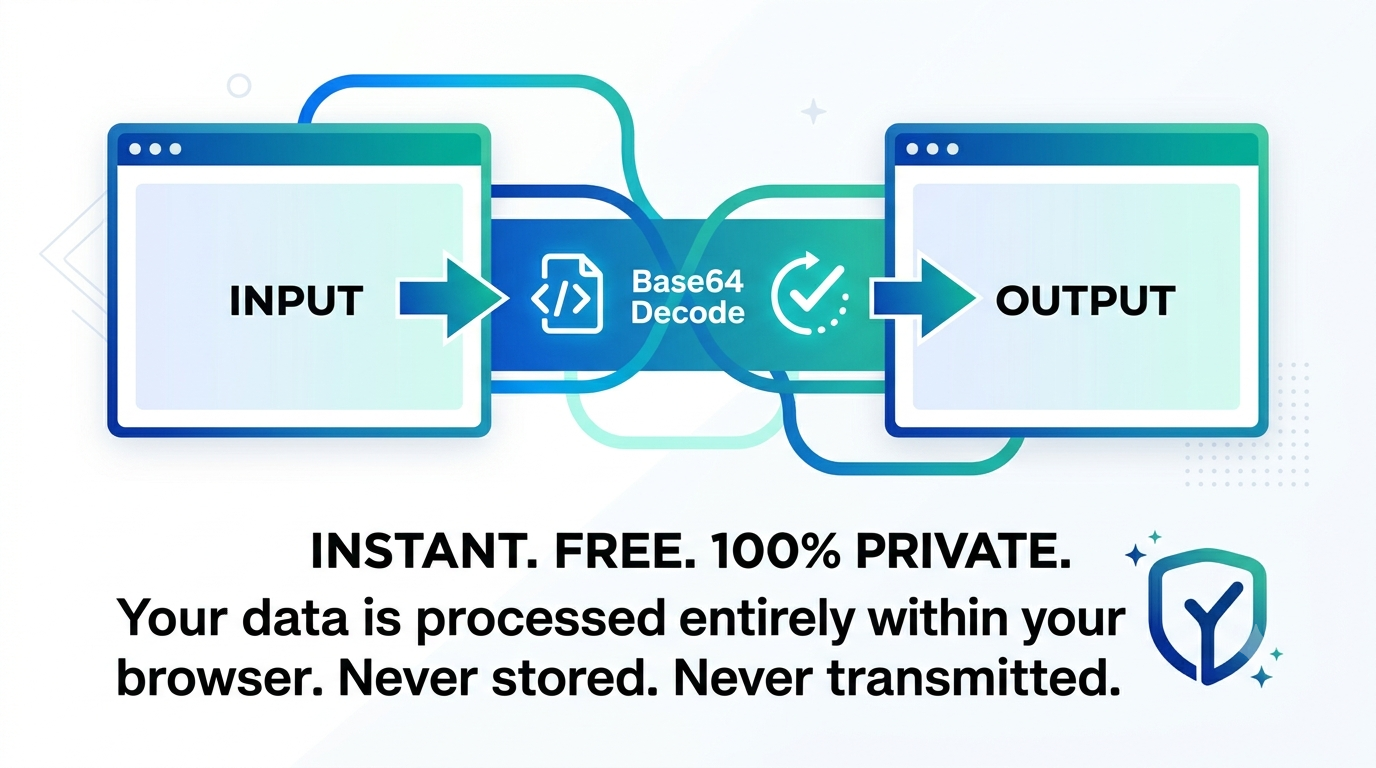
The Base64 Encoder & Decoder can assist with testing ordinary sample values in workflows that use Base64. Base64 represents bytes as text; it is not encryption. Never assume an encoded value is secret, and do not paste private tokens, passwords, or confidential customer records into unfamiliar services.
03Inspect URLs and HTML characters
The URL Encoder & Decoder helps diagnose encoded URL components. The HTML Entity Encoder helps represent special characters in HTML text examples. HTML entity encoding alone is not a complete protection against cross-site scripting: output encoding must match the context, and robust application security requires additional safeguards.
04Investigate general network information
When debugging network-related issues, the IP Address Lookup may provide approximate public-IP information depending on its data source. IP lookup results can be imprecise and are not a reliable way to identify an individual or their exact physical address.
For a more detailed JSON learning path, read How to Use a JSON Formatter and Who Created JSON?. Together, practical tools and explanatory guides help readers understand the result, not just generate it.
Workflow 3: Prepare a Consistent Website Design
A designer or site owner may need to move a color from a mockup into CSS, verify how a label looks, and check the length of an on-page description. These are small tasks, but inconsistencies add up across a website.
01Convert color values
Use the Color Converter to work between formats such as HEX, RGB, and HSL. Converting a color can help keep brand values consistent across CSS and design references. Conversion by itself does not establish sufficient text contrast or accessibility; test the colors in the actual interface.
02Review button and heading text
The Text Case Converter can help standardize sample interface labels. Prefer specific calls to action, such as “Open JSON Formatter,” over generic language that leaves visitors guessing about the destination.
03Check the length of interface copy
A Word & Character Counter is handy when checking brief navigation labels, product descriptions, metadata drafts, and small UI messages. Keep language concise, but do not remove context merely to hit an arbitrary character target.
Explore the PerkAbility Rewards Tools Directory
These eight utility pages cover several frequent categories of online work. Choose the tool that best matches the exact task in front of you.
How to Choose an Online Tool Without Wasting Time
Before relying on a browser utility, run through a short checklist. A straightforward tool is useful only if it handles the right task and treats your information appropriately.
- Define the input and result. Know what you are giving the tool and what a correct output looks like.
- Confirm tool limitations. Check supported formats, size caps, account requirements, and pricing conditions.
- Protect sensitive information. Avoid uploading passwords, API keys, personal records, unpublished business documents, or other confidential data to unknown services.
- Validate meaningful output. Test with a harmless sample and verify important results independently.
- Keep an organized toolkit. Bookmark tools that reliably support tasks you repeat.
A useful workflow should reduce unnecessary steps, not simply move complexity into another browser tab. When a task involves sensitive data or production systems, choose an approved tool or local environment appropriate for the risk.
Frequently Asked Questions
What is PerkAbility Rewards?
PerkAbility Rewards is a website featuring browser-based digital utilities and practical articles about online tasks, including JSON formatting, text utilities, encoding, and other developer-oriented tools.
Where can I access the free online tools?
Visit the PerkAbility Rewards Tools Directory and choose the utility that fits your task. Availability and usage conditions should be checked on each page.
Do I have to install software to use browser-based utilities?
Browser-based utilities are intended for use through a web browser, although particular services may have account requirements, feature limitations, or dependencies. Follow each tool's on-page guidance.
Are free online tools appropriate for professional projects?
They can help with routine checks and non-sensitive tasks. For confidential or business-critical work, verify data practices, accuracy, and whether the service is approved for your use case.
Can a JSON formatter automatically fix every JSON error?
No. Formatting and validation may reveal syntax issues, but automatic repair can change the intended content. Check corrections against the application's requirements.
Can free online tools improve SEO automatically?
No single utility guarantees search rankings. Word counters and text tools can support an editorial workflow, but effective SEO also depends on useful content, technical accessibility, site structure, and other factors.
Final Thoughts: Build Your Own Practical Digital Workflow
You do not need to adopt a complicated platform for every small digital job. A focused collection of browser utilities can help you prepare written content, inspect structured data, encode text, and check design values in a repeatable way.
Start with the task, choose the appropriate tool, and verify the result. Explore more step-by-step tutorials on the PerkAbility Rewards blog, including the guide to task-based search and digital utilities.
Find Your Next Digital Tool
Explore PerkAbility Rewards to discover browser-based utilities and straightforward technology guides for the tasks you actually need to finish.
Explore Free Online ToolsDisclosure: Some website content or links may be promotional. Review the destination, privacy terms, and any applicable costs before using a service. Editorial guidance is provided for general informational purposes.