
DEVELOPER GUIDES · JSON TROUBLESHOOTING
How to Fix JSON Errors: 12 Common Issues (With Examples)
A single misplaced comma, quote, or brace can make a JSON response fail. This guide shows the most common JSON syntax errors, what causes them, and exactly how to correct them.
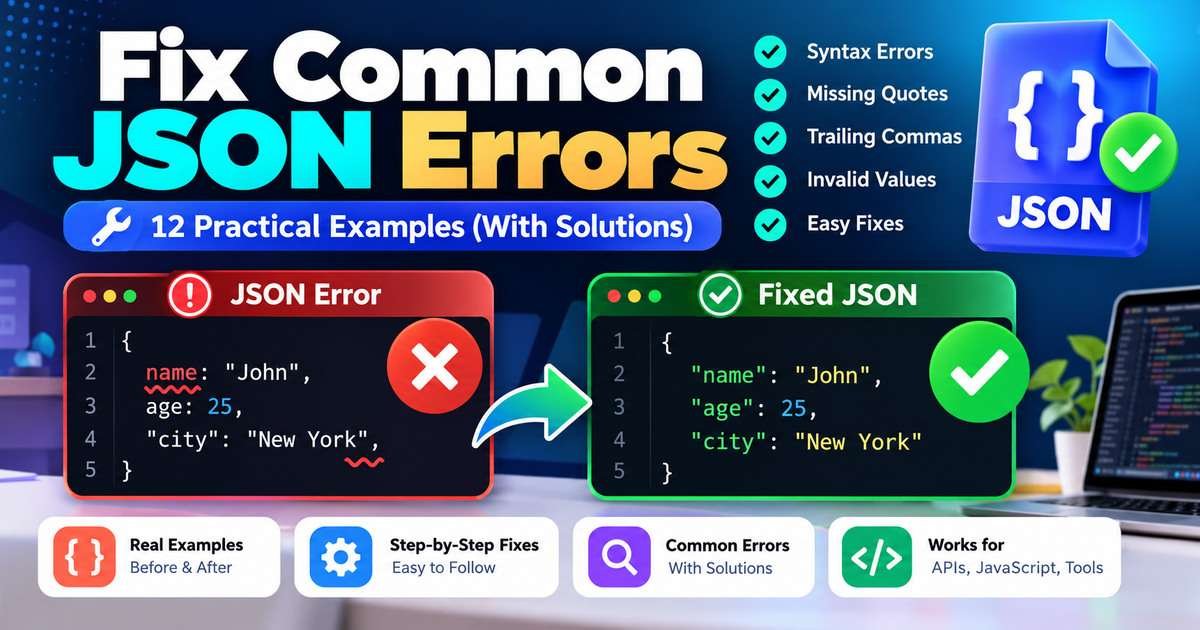
Examples below use standard JSON syntax as defined in RFC 8259. Exact parser messages vary across browsers, languages, and tools.
Why does JSON show a syntax error?
JSON (JavaScript Object Notation) is a structured text format used by APIs, application settings, and data files. Unlike a JavaScript object literal, a JSON document must follow a precise grammar. For example, property names require double quotes, arrays cannot contain trailing commas, and comments are not permitted.
When a program calls JSON.parse() on invalid JSON, JavaScript throws a SyntaxError. In other environments, the message might be “unexpected token,” “expected property name,” “invalid escape,” or “unexpected end of data.” These messages point to where parsing stopped, which may be just after the real mistake.
Open the Perkability Rewards JSON Formatter to make readable, non-sensitive JSON easier to inspect. For a broader walkthrough, see our JSON formatter and validation guide.
Open JSON Formatter12 common JSON errors and how to fix them
Each example starts with invalid JSON and then shows the valid replacement. Copy the corrected version into your test environment and verify that the receiving application's expected data structure still matches.
1. Single quotes instead of double quotes
JSON requires double quotes around string values and object property names. Single quotes are accepted in some JavaScript expressions, but not in strict JSON.
{'name': 'Asha'}{"name": "Asha"}How to fix it: Replace single-quoted keys and string values with double-quoted ones. If the text is generated by JavaScript, use JSON.stringify() rather than hand-building the JSON.
2. Property names without quotes
JavaScript object literals may allow unquoted identifier-style keys. JSON does not: every object key must be a double-quoted string.
{name: "Asha", active: true}{"name": "Asha", "active": true}How to fix it: Check property names immediately after each opening brace or comma. Quote each key, including short keys such as id and ok.
3. Trailing commas in arrays or objects
Strict JSON has no trailing-comma syntax. The final array item or object property must be followed directly by the closing bracket or brace.
{"items": [1, 2, 3,]}{"items": [1, 2, 3]}How to fix it: Remove commas immediately before ] and }. This is a frequent source of JSON.parse() errors.
4. Missing comma between fields
Separate adjacent object members with commas. An error near the second property can actually originate at the end of the previous one.
{"name": "Asha" "active": true}{"name": "Asha", "active": true}How to fix it: Look immediately before the reported token: a missing separator is often one character to its left.
5. Missing colon between a key and value
A JSON object member uses the structure "key": value. A space alone cannot separate a property name from its value.
{"name" "Asha"}{"name": "Asha"}How to fix it: Put a colon after the closing quote of every object property name.
6. JavaScript-style comments inside JSON
Neither // comments nor /* block comments */ belong to standard JSON. Some configuration formats permit comments, but they are not interchangeable with JSON.
{
  "active": true // enabled for testing
}{
"active": true
}How to fix it: Remove comments or move documentation into an ordinary string field if the receiving application permits extra fields.
7. Undefined, NaN, or Infinity as values
JSON values are strings, numbers, objects, arrays, true, false, or null. JavaScript-only values such as undefined, NaN, and Infinity cannot be written as JSON tokens.
{"score": NaN, "limit": Infinity}{"score": null, "limit": 100}How to fix it: Decide on an appropriate data contract. Use null for missing values when supported and finite numbers for numeric fields.
8. Incorrect capitalization of true, false, or null
JSON literal tokens are case-sensitive and must be lowercase. True, False, NULL, and None are not valid JSON literals.
{"active": True, "deleted": Null}{"active": true, "deleted": null}How to fix it: Use lowercase true, false, and null. If you need the words as text, put them in double quotes.
9. Invalid backslashes and escape sequences
A backslash starts an escape in JSON strings. An unsupported sequence such as \p is invalid, while \n would become a newline rather than the characters backslash and n.
{"folder": "C:\projects\new"}{"folder": "C:\\projects\\new"}How to fix it: Represent each literal backslash as \\. Valid string escapes include \n, \t, \", \\, and Unicode escapes of the form \uXXXX.
10. Raw line breaks inside a string
An unescaped newline cannot appear inside a JSON string. The parser may report an unterminated string or a bad control character.
{"message": "first line
second line"}{"message": "first line\nsecond line"}How to fix it: Replace actual line breaks inside string values with the two-character escape \n. Line breaks between JSON tokens are fine.
11. Invalid number formatting
JSON numbers cannot start with unnecessary leading zeros, and a decimal point must have digits on both sides. Codes such as 007 are usually better represented as strings.
{"productCode": 007, "price": 12.}{"productCode": "007", "price": 12.0}How to fix it: Store identifiers as strings and keep numeric fields in standard JSON number notation.
12. Unclosed arrays, objects, or strings
Every opening { and [ needs a matching closing } or ]. An unexpected end-of-input message often means the document finished before its structure did.
{"roles": ["admin", "editor"]{"roles": ["admin", "editor"]}How to fix it: Indent the document and check its closing delimiters from the innermost level outward. If the payload came from an API, confirm the response was not truncated.
How to debug a JSON.parse error in five steps
- Confirm the input is really JSON. If an API returned an HTML error page, an empty body, or JavaScript object-literal syntax, a JSON parser cannot interpret it as valid JSON. Check the response status and content type.
- Read the full parser error. Note the line, column, or character offset. Different JavaScript engines may phrase the same problem differently.
- Inspect nearby punctuation. Look to the left of the reported character for a missing comma or colon. Then check quotes and escaped characters.
- Format and validate a safe sample. Indentation makes nested arrays and objects easier to compare. Use local tools or an approved environment for confidential data.
- Test against the application contract. A syntactically valid document can still be wrong for an API: it may require specific property names, data types, or a JSON Schema.
JSON syntax validity vs. JSON Schema validation
Syntax validation answers whether the text follows the JSON grammar. Schema validation answers whether a valid JSON value has the structure, required fields, and types your application expects. For example, {"age": "thirty"} is valid JSON syntax but may fail a schema requiring an integer for age.
A formatter changes presentation, not the meaning of the data. It cannot determine whether the account ID, email address, price, or API field in a valid document is appropriate.
What to check when JSON still fails
- Truncated API response: Check whether the request failed or the response was cut short before a closing delimiter.
- Unexpected HTML: A login page or server error sometimes arrives where your code expects JSON.
- Double encoding: A JSON-encoded string containing JSON may require a different parsing step than an actual object response.
- UTF-8 and escaping: Verify that encoding and string escape sequences are consistent across systems.
- JSONL vs. JSON: Multiple standalone JSON objects separated by newlines can be valid JSON Lines but are not one standard JSON document.
- Data privacy: Never paste passwords, access tokens, personal records, or private customer data into an unverified third-party validator.
Frequently asked questions about JSON errors
What causes “Unexpected token” in JSON?
It means the parser encountered a character or token that did not fit the expected grammar. Common causes include unquoted property names, trailing commas, HTML returned by an API, or malformed string values.
Does a JSON formatter fix invalid JSON automatically?
Not necessarily. A formatter generally makes valid JSON easier to read. Some products offer repair features, but automatic correction may change the intended data. Validate the result before relying on it.
Can JSON contain comments or trailing commas?
No, not in standard JSON as defined by RFC 8259. Some related formats and configuration parsers accept extensions; their output should not be assumed to work in strict JSON parsers.
Why does valid JSON fail an API request?
Syntax correctness is only the first step. APIs can reject valid JSON if required fields are missing, types are wrong, authentication fails, or the payload does not follow the endpoint's contract.
What is the fastest way to locate a missing bracket?
Indent the JSON and scan each nested object or array. Match each opening brace or square bracket to its closing partner. An unexpected-end error is often a useful clue.
Related guides and primary references
- How to use a JSON formatter and validator - practical formatting workflow.
- Who created JSON? - history and standards behind the format.
- MDN: JSON.parse bad parsing errors - detailed JavaScript syntax error explanations.
- IETF RFC 8259 - the formal JSON data interchange specification.
Use a validator to catch punctuation errors, then check your application requirements before sending the payload to an API or publishing configuration changes.
Check JSON with the FormatterEditorial note: This article is educational. Parser wording and tool behavior vary by runtime. Do not upload confidential payloads to unapproved websites.